We are sorry to see you go! Whether you have reached your language goals or just need to step away for a while, we want to make the cancellation process as clear as possible. Merci for being a part of our community!
How to Cancel Your Membership
-
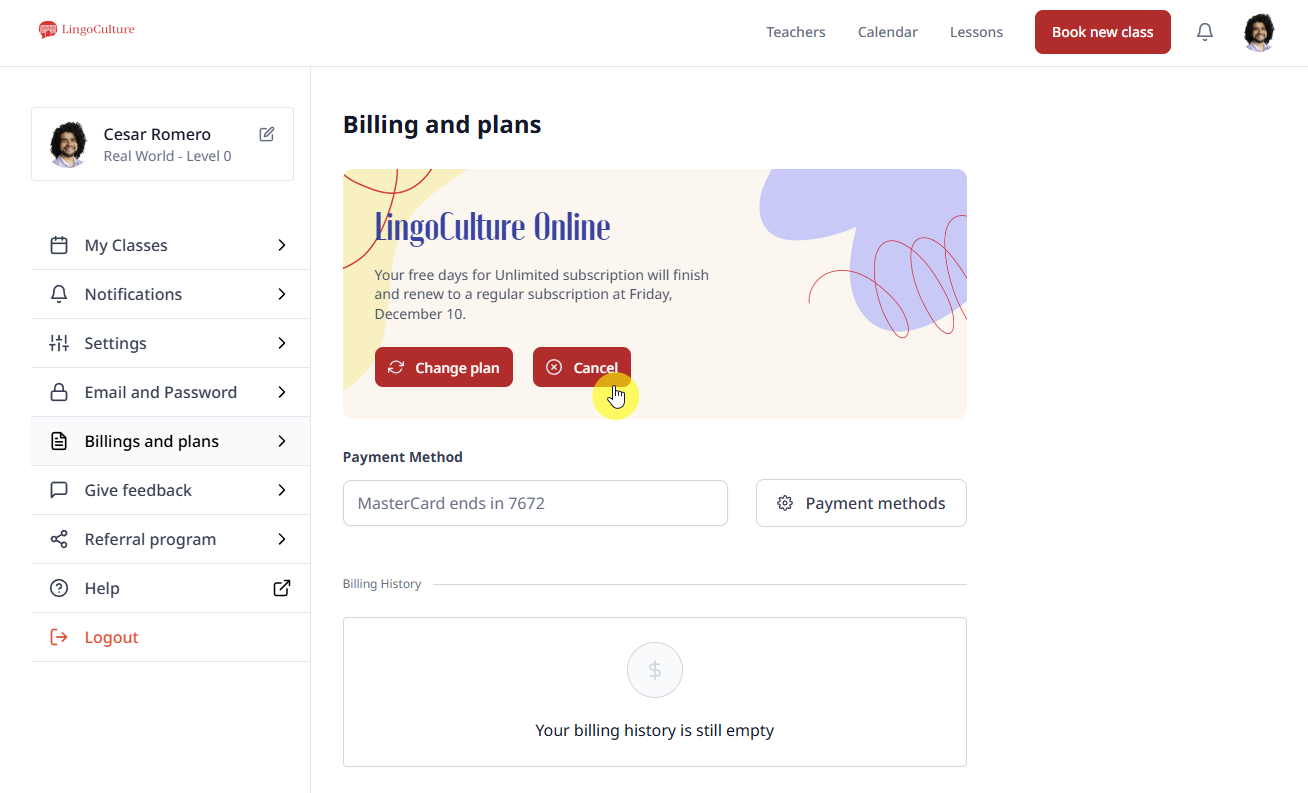
Log in to your account at web.lingoculture.com
-
Click on your profile icon and select "My Account"
-
Go to the "Billings and plans" section on the left-hand menu
-
Locate the red "Cancel" button (the third of the three buttons in the center)
The Exit Survey
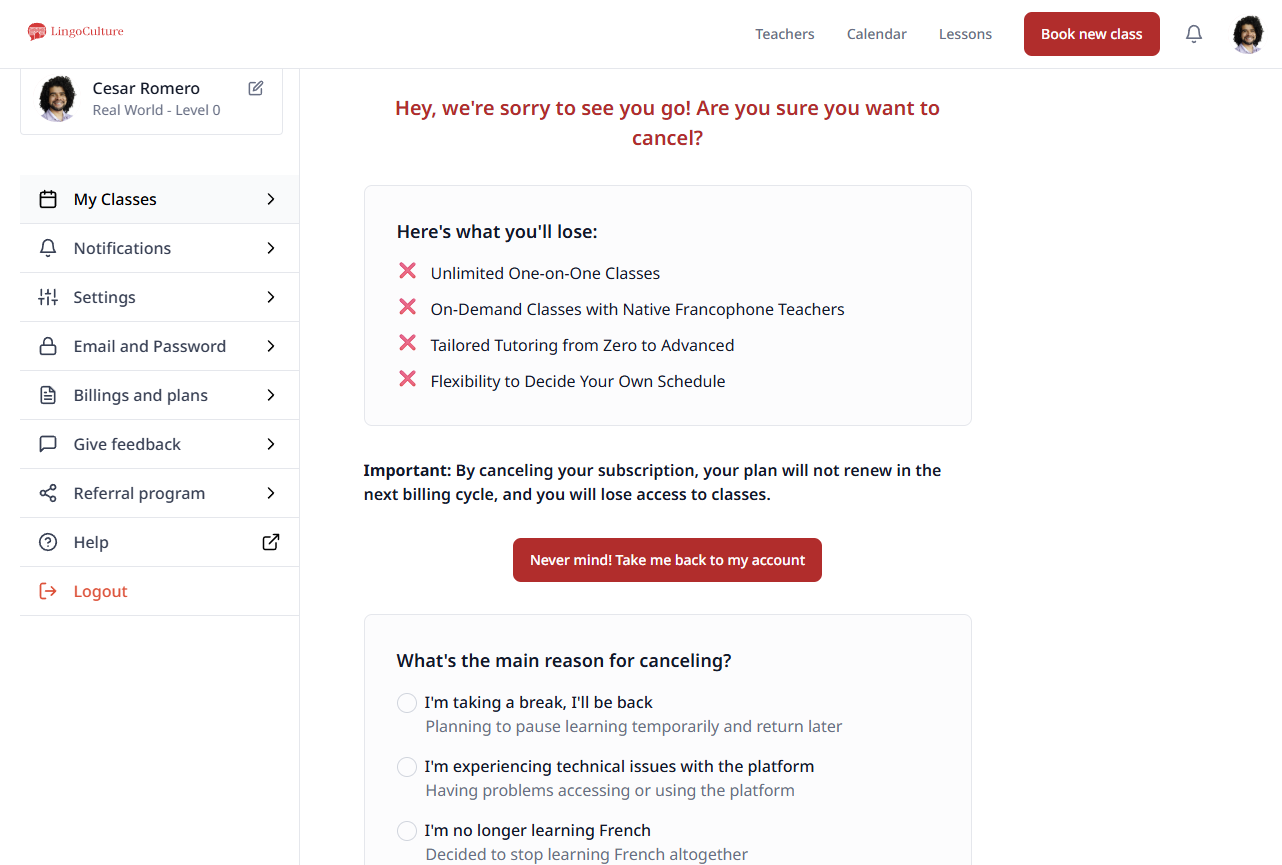
Once you click cancel, you will be greeted with a short survey that takes no more than 3 minutes. Your cancellation is not finalized until the survey is completed, this is a required step to ensure our records are accurate and to help us improve for everyone.
Important Things to Know
-
You will lose access to classes once the cancellation is processed
-
Special Rates: If you are currently locked into a discounted rate, cancelling will cause you to lose that rate. If you decide to return later, you will need to sign up at the current standard price
Need More Help?
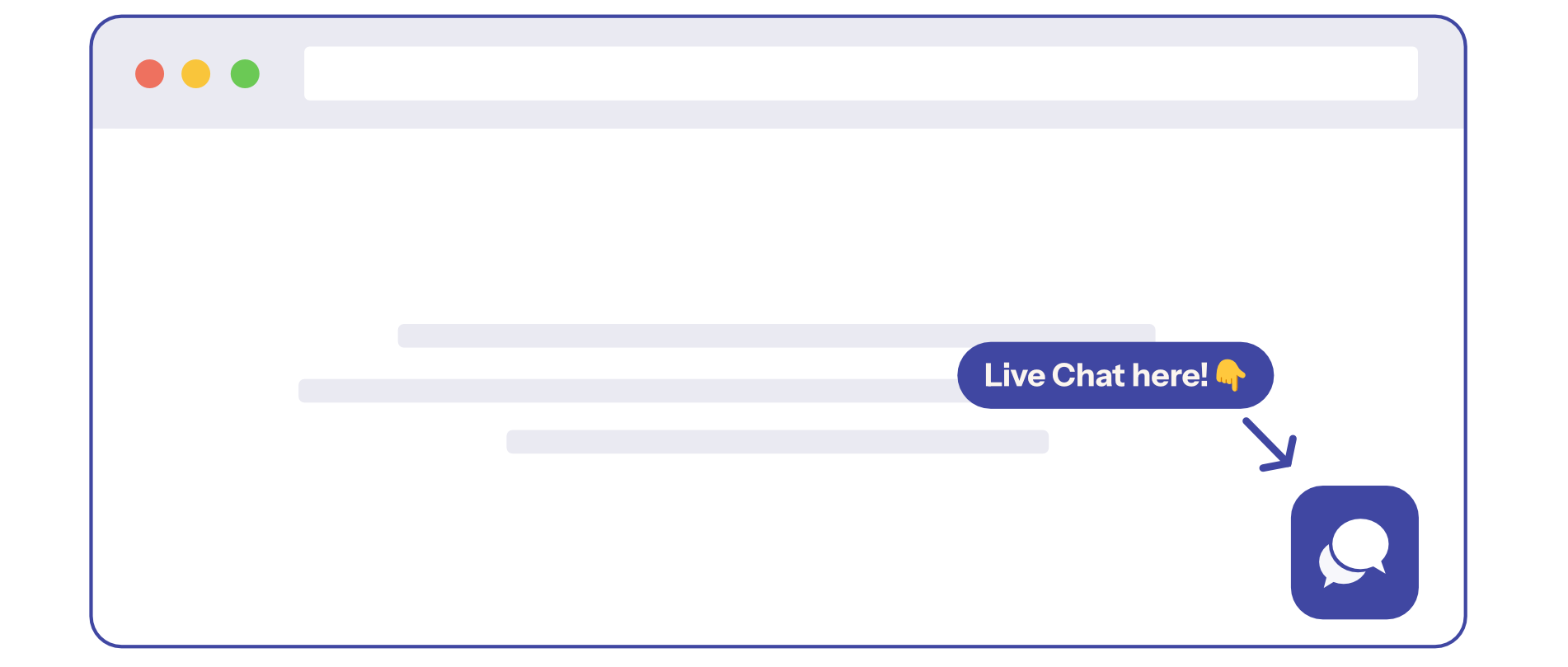
If you run into any technical issues while trying to cancel or if the survey isn't loading, please reach out to our support team via the Live Chat (the bubble icon at the bottom right) or at [email protected].
We hope to see you back in the LingoCulture family in the future. Bonne continuation in your journey! 🇫🇷✨
Still need help?
-
Talk to us: Click the Chat Bubble in the bottom right corner or email bonjour@lingoculture or [email protected].