Having trouble attending your class or experiencing technical issues? Don't panic! We're here to help you solve the problem quickly. Pas de souci! (No worries!)
Step 1: Can You Cancel?
If you know you won't be able to attend your scheduled class, the best first step is to cancel. This frees up the slot for other students, lets your teacher adjust their schedule, and protects your class credit (depending on timing).
Step 2: Contact Support for Help
If you're running late, facing a technical issue, or unsure what to do, reach out to us immediately!
Option 1: Live Chat (Fastest!)
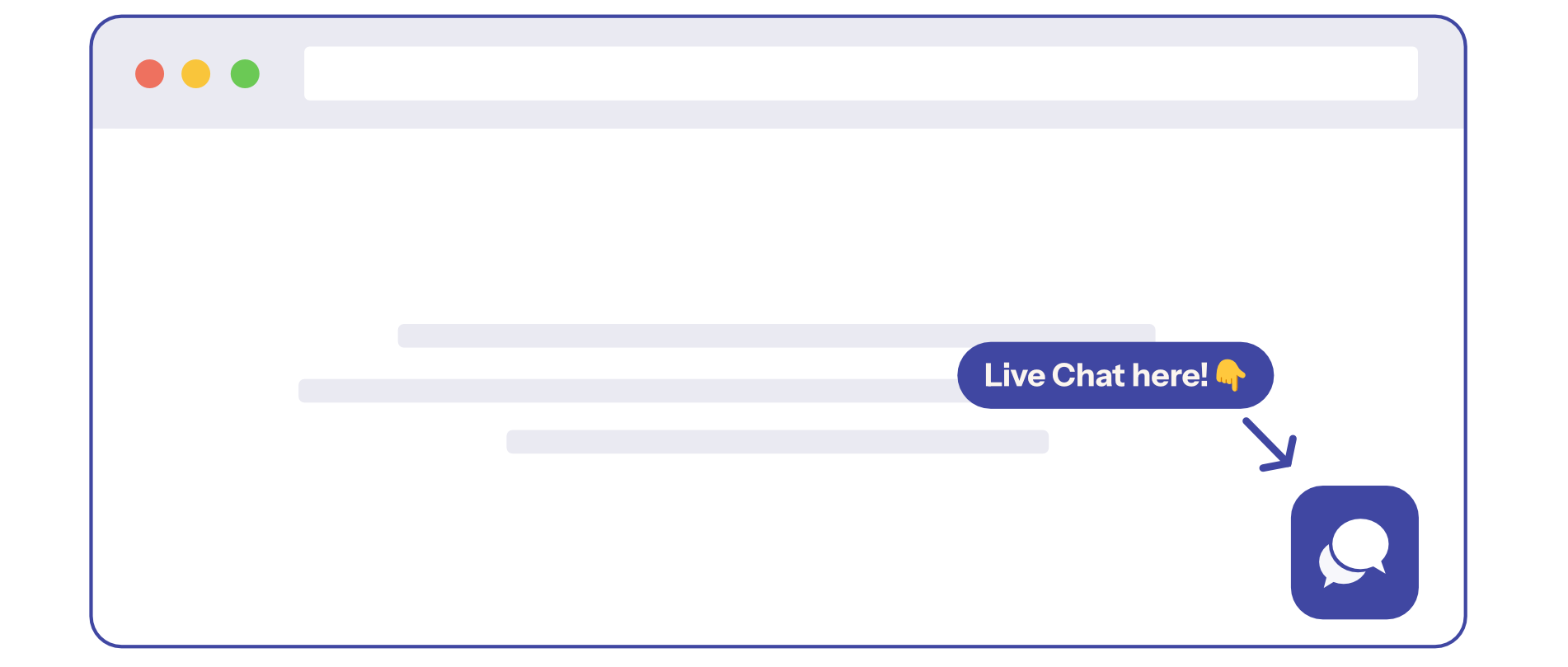
Click the chat bubble in the bottom right corner of the platform. Best for: running late to class, technical issues right now, urgent questions.
Option 2: Email Support
-
[email protected] (for class/teacher issues)
-
[email protected] (for technical/billing issues)
Best for: non-urgent questions, detailed explanations, follow-up on previous issues.
Common Issues We Can Solve
-
"I'm running 10 minutes late!": Contact live chat immediately. We'll notify your teacher and help you join as quickly as possible.
-
"My Zoom isn't working!": Contact live chat. We'll troubleshoot with you or help reschedule if needed.
-
"I forgot I had a class today!": If it's already started, join late! If you can't attend, contact us to explain and we'll help.
-
"I'm sick and can't attend.": Cancel the class or contact us. We understand life happens!
Still need help?
-
Talk to us: Click the Chat Bubble in the bottom right corner or email bonjour@lingoculture or [email protected].