The most important thing to remember is that you are not alone. The LingoCulture team is here to support you every step of the way on your journey to fluency. On est la pour vous! (We are here for you!)
Option 1: Live Chat
Our Live Chat is the fastest way to get a response for urgent matters.
-
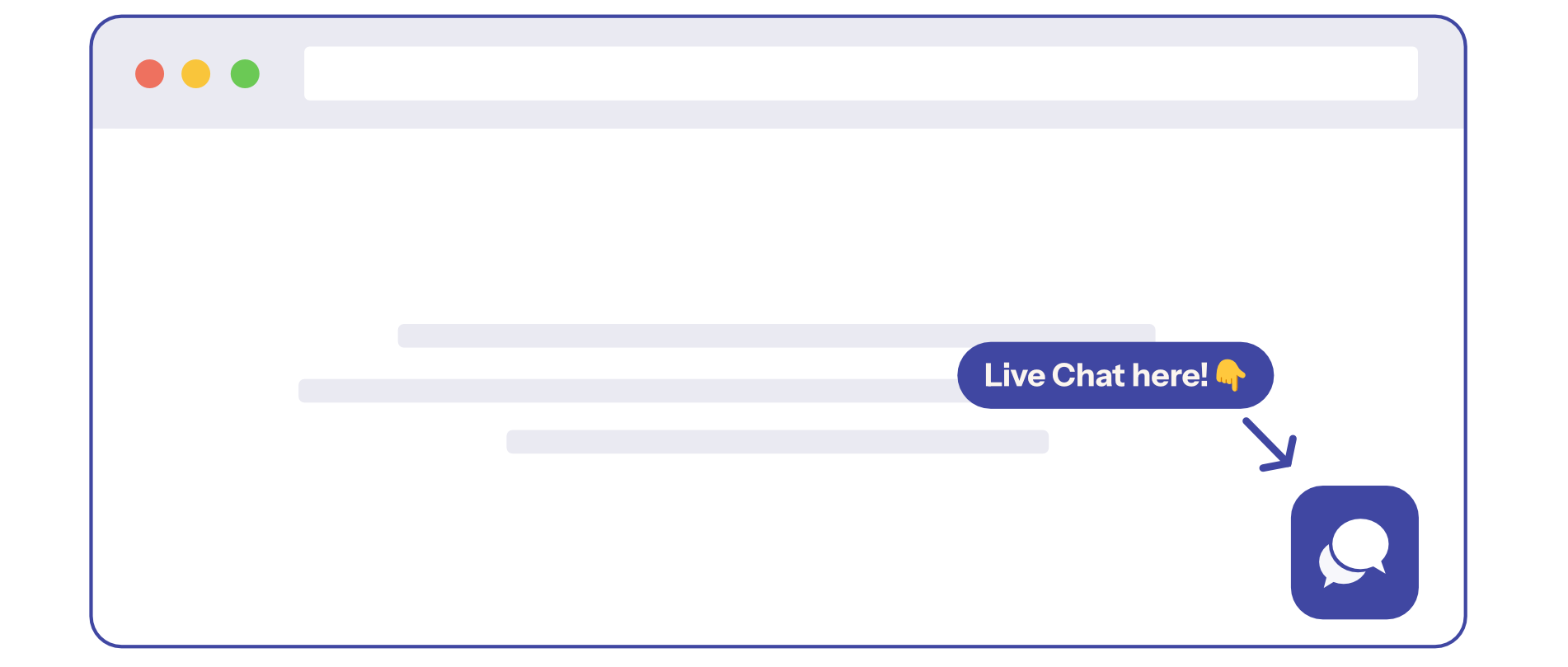
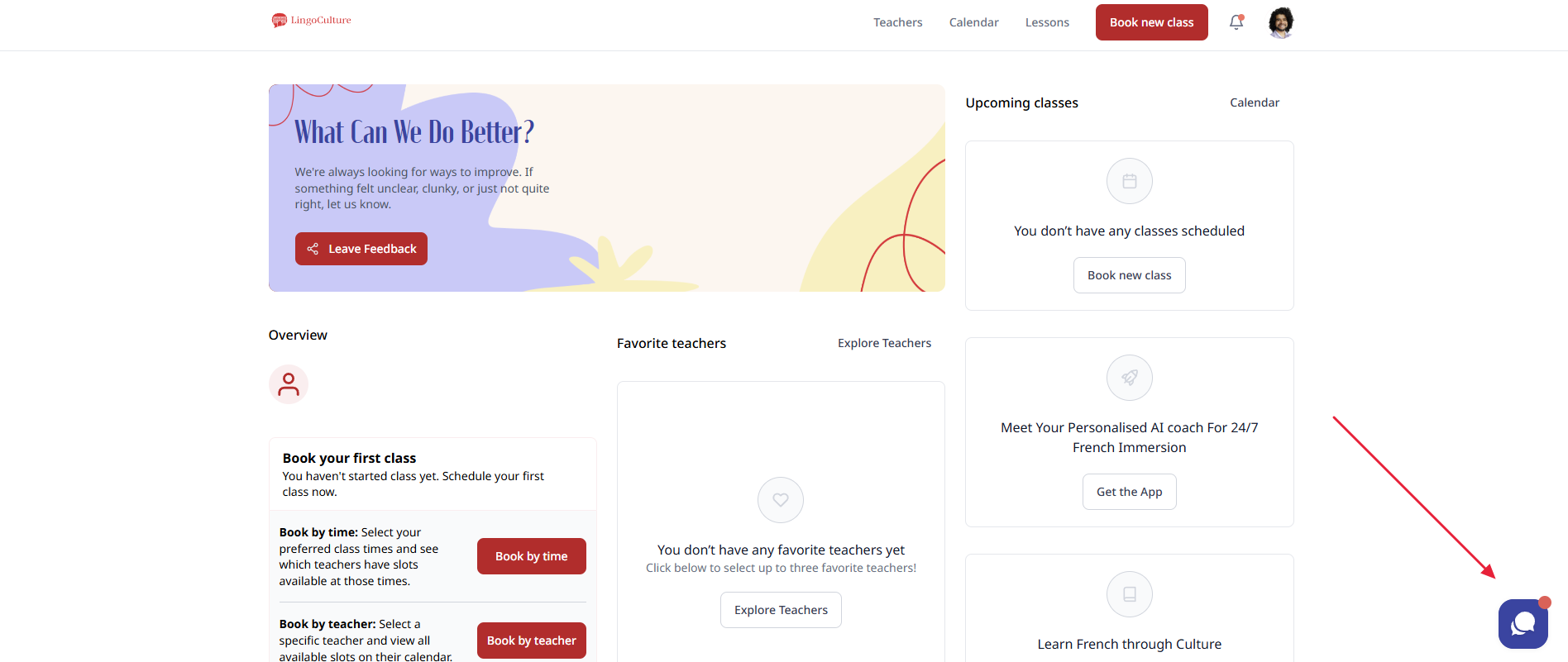
How to find it: Look for the chat icon (the speech bubble) in the bottom corner of your platform dashboard.
-
Support Hours: Our team is online and active from 11:00 AM to 01:00 AM UTC.
-
Real-time assistance: Just click the icon, start typing, and one of our team members will be with you shortly.
Option 2: Email
If you have a less urgent inquiry or need to send us detailed information, email is a fantastic option:
Helping Us Help You
To resolve your issue faster, please try to include the following details in your message:
-
A clear description: Tell us exactly what is happening or what you need help with
-
Relevant details: Include things like the class time, the date, or the teacher's name
-
Screenshots: If you see an error message, a screenshot helps us find a fix much faster!
Still need help?
-
Talk to us: Click the Chat Bubble in the bottom right corner or email bonjour@lingoculture or [email protected].